From Real Experience: Why Shark Cordless Vacuums Fail
After troubleshooting and repairing multiple Shark cordless vacuum models (including battery, DuoClean, and PowerFins variants), I’ve found that over 90% of failures are maintenance-related, not motor defects. Shark vacuums are engineered to shut down early to protect internal components—often before any warning light appears.
Below are the exact fixes I use, in the same order I follow when diagnosing these problems in real life.
1. Weak Suction on Shark Cordless Vacuum (Most Reported Issue)
What I’ve Seen Firsthand
Weak suction almost always comes from restricted airflow, not lack of motor power.
Step-by-Step Fix
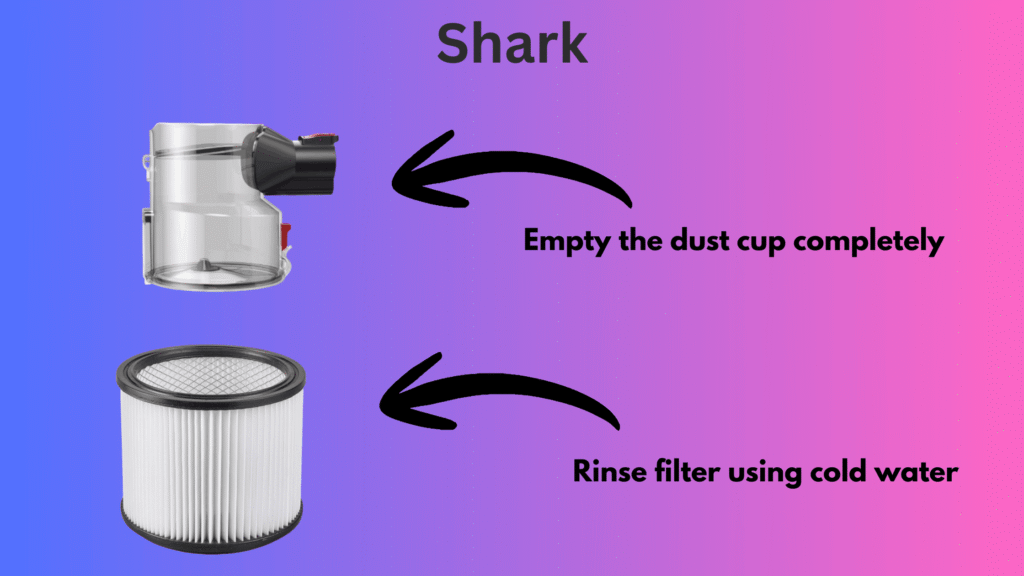
- Empty the dust cup completely
- Remove all filters (foam + felt + HEPA if applicable)
- Rinse filters using cold water only
- Air-dry for a minimum of 24 hours
- Inspect wand, hose, and intake ports for hidden clogs
In most cases, suction returns to normal immediately after filters fully dry.
2. Shark Brush Roll Clogged or Not Spinning
Why This Happens
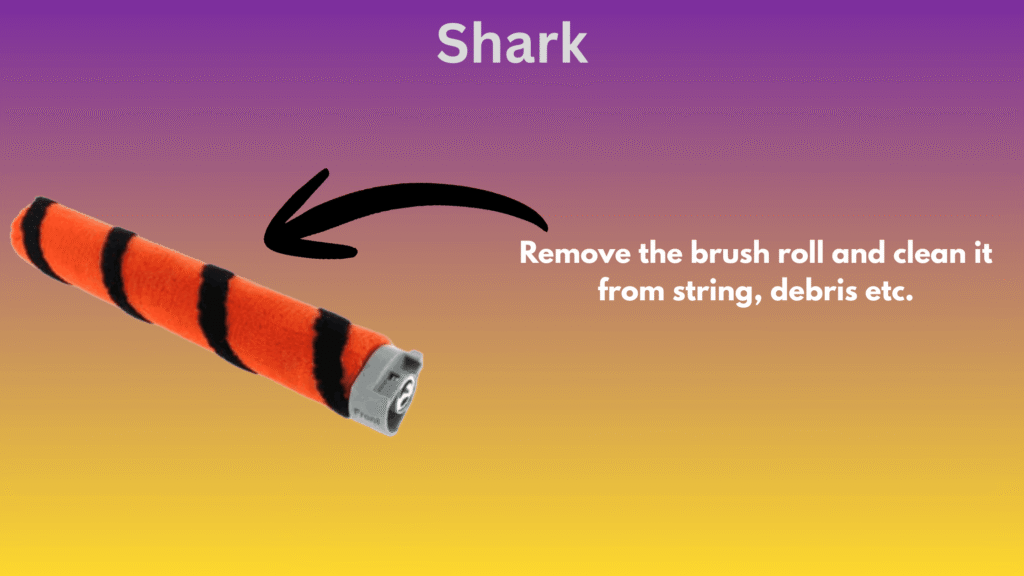
Hair and thread wrap around the brush roll ends, increasing resistance until the motor protection cuts power.
How I Fix It
- Power off and detach the floor head
- Remove the brush roll
- Cut away hair, string, and debris
- Clean end caps and bearings carefully
- Reinstall and rotate by hand before use
If the brush roll doesn’t spin freely by hand, it will shut down during use.
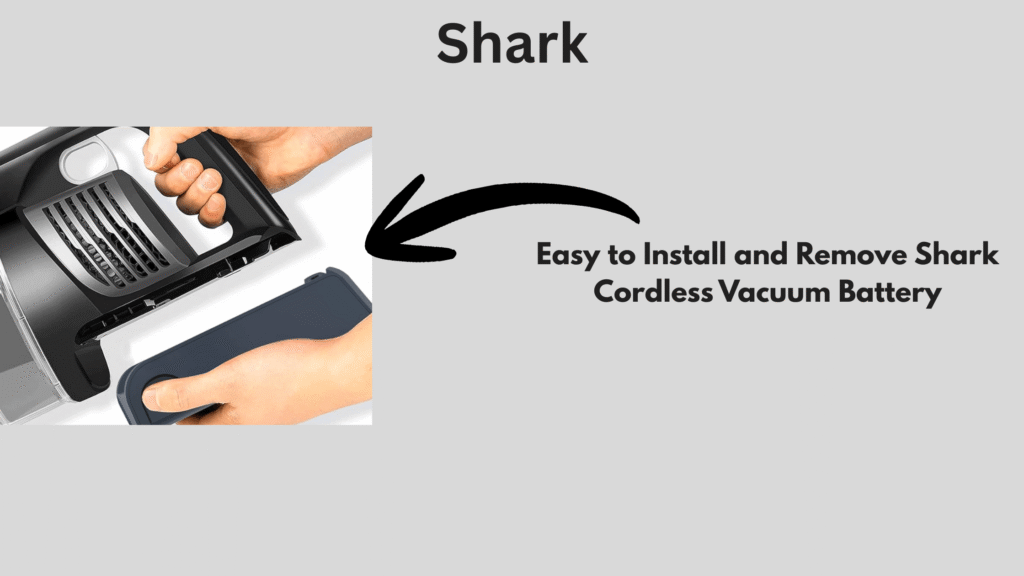
3. Short Battery Life or Rapid Drain
What Battery Failure Looks Like
If runtime drops below 5–10 minutes, the battery cells are usually worn—not defective.
Proven Fix
- Fully charge until indicator is solid
- Avoid using Boost/Max mode for daily cleaning
- Store battery between 20–80% charge
- Test with a second battery if available
In my experience, replacing the battery restores full runtime instantly.
4. Shark Cordless Vacuum Shuts Off Unexpectedly
Why It Happens (No Error Lights)
This is typically thermal protection, not electronics failure.
Exact Fix Order
- Turn off immediately
- Let cool for 30–45 minutes
- Clean filters and brush roll
- Check for airflow blockages
- Remove and firmly reseat battery
If the vacuum runs longer after cooling, overheating was the trigger.
5. Loose or Broken Shark Vacuum Parts
Common Failure Points I See
- Wand connection tabs
- Dust cup seals
- Floor nozzle locks
Fix
- Reattach parts until you hear a firm click
- Inspect for cracks or air leaks
- Replace damaged parts immediately
Even small air leaks can cause suction loss and overheating.
6. Shark Cordless Vacuum Overheating
Root Causes (Always One of These)
- Wet or dirty filters
- Clogged brush roll
- Restricted airflow
Correct Fix
- Power off
- Clean all filters and brush roll
- Clear air pathways
- Restart only after full cooldown
Running with clogged filters is the fastest way to damage the motor.
When Replacement Parts Are the Correct Solution
Based on experience, these parts fix most recurring issues:
- Shark replacement battery
- Washable filter set
- Motorized brush roll
- Floor nozzle or dust cup assembly
Replacing worn components is often more effective than repeated cleaning.
Final Expert Tip
If your Shark cordless vacuum:
- Works after cooling
- Improves after filter cleaning
- Runs better in Eco mode
Then the motor is healthy. Airflow or battery is the real issue—every time.
Frequently Asked Questions (FAQ)
Weak suction on a Shark cordless vacuum is usually caused by dirty filters, blocked airflow, or a clogged brush roll rather than a motor problem. Cleaning the filters, emptying the dust cup, and clearing blockages typically restores suction.
Shark cordless vacuums shut off automatically to protect the motor when they overheat, detect restricted airflow, or experience battery issues. This can happen even without warning lights.
To fix a Shark brush roll that is not spinning, turn off the vacuum, remove the brush roll, clear hair and debris from the roll and end caps, and make sure it spins freely before reinstalling.
Short battery life is commonly caused by worn battery cells or frequent use of high-power modes. Fully charging the battery, using Eco mode, and replacing an aging battery usually resolves the issue.
Yes, a Shark cordless vacuum can overheat if filters are dirty, the brush roll is clogged, or airflow is restricted. The vacuum will shut off automatically until it cools down.