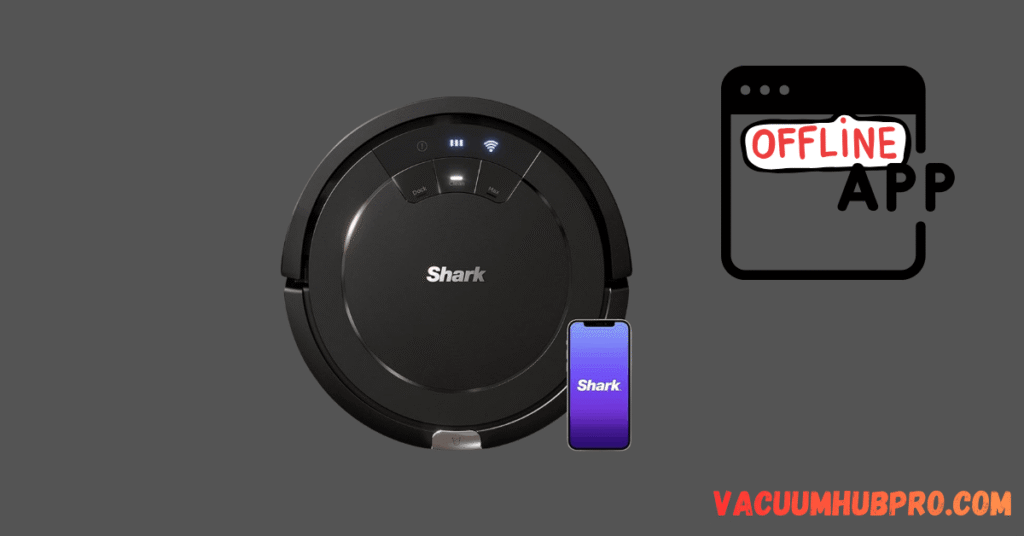
Why Robots Go Offline
- Router reboot changed IP address
- Firmware update incomplete
- Weak WiFi signal
- App glitch
If your robot never reconnects after going offline, see our full guide on Shark robot not connecting to WiFi for deeper router and network troubleshooting steps.
Fix 1: Restart Router
Unplug for 3 minutes.
Fix 2: Restart Robot
Power cycle fully.
Fix 3: Reconnect in App
Remove device → Add again.