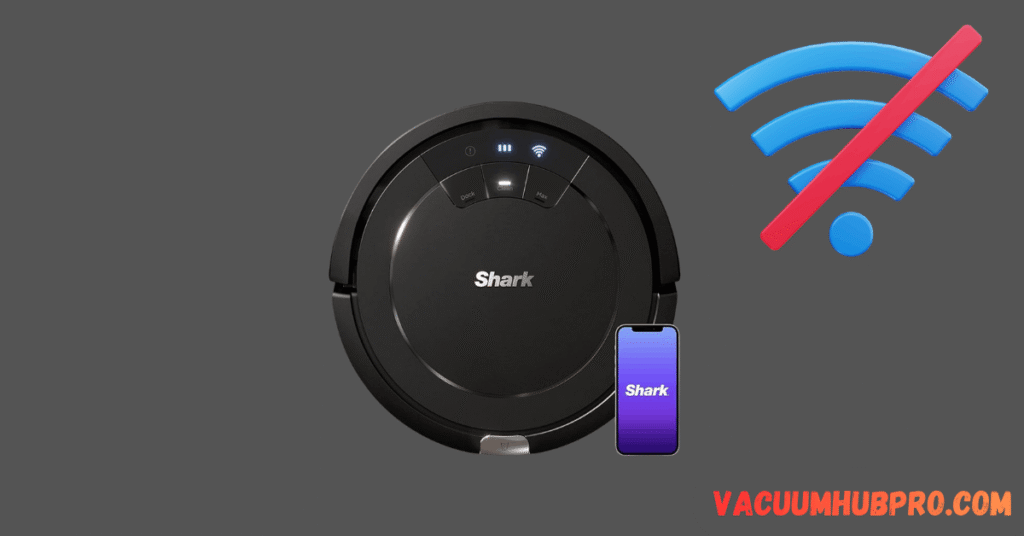
Why Shark Robots Fail to Connect
Most failures are caused by:
- 5GHz network
- Band steering (Smart Connect)
- WPA3 security
- Weak signal
- Router firewall
While this guide covers all Shark robot models, if you specifically own the RV754 model, see our detailed guide on Shark ION Robot RV754 won’t connect to Shark Clean app for model-specific troubleshooting steps.
Fix 1: Use 2.4GHz Only
Shark robots do NOT support 5GHz.
Separate bands in router settings.
Fix 2: Disable Smart Connect
Band steering prevents pairing.
Disable temporarily during setup.
Fix 3: Router Security Mode
Switch to WPA2-PSK (AES).
Fix 4: Move Robot Closer to Router
Initial pairing must be within strong signal range.
Fix 5: Factory Reset Robot
If your Shark robot still refuses to connect after adjusting router settings, a factory reset may clear corrupted network pairing data.
Follow our step-by-step guide on how to reset Shark robot vacuum properly before attempting WiFi setup again.