My Experience With This Issue
I noticed my cordless vacuum suddenly stayed on maximum suction, even when I tried switching modes. The battery drained quickly, it was louder than usual, and it felt like something wasn’t adjusting automatically.
At first, I assumed the motor was failing.
It wasn’t.
After testing and cleaning different components, I discovered the issue was usually related to sensor blockage, airflow restriction, or a faulty mode switch — not the motor itself.
Here’s exactly what worked.
Quick Fix (Featured Snippet Answer)
If your vacuum is stuck on high power mode:
- Turn it off and remove the battery
- Clean all filters thoroughly
- Check for clogs in the wand and floor head
- Clean dust sensors (if your model has auto mode)
- Restart after cooling for 30 minutes
In most cases, sensor blockage or airflow restriction forces the vacuum to stay on high power.
Why a Vacuum Gets Stuck on High Suction
Modern vacuums (especially cordless models) adjust suction automatically using:
- Dust detection sensors
- Airflow sensors
- Motor load sensors
If these detect resistance or dust buildup, the vacuum may remain in high mode continuously.
Common causes include:
- Dirty filters
- Hair wrapped around brush roll
- Sensor dust buildup
- Mode button malfunction
- Software glitch (rare)
Step-by-Step Fixes That Worked for Me
Clean the Filters First (Most Common Cause)
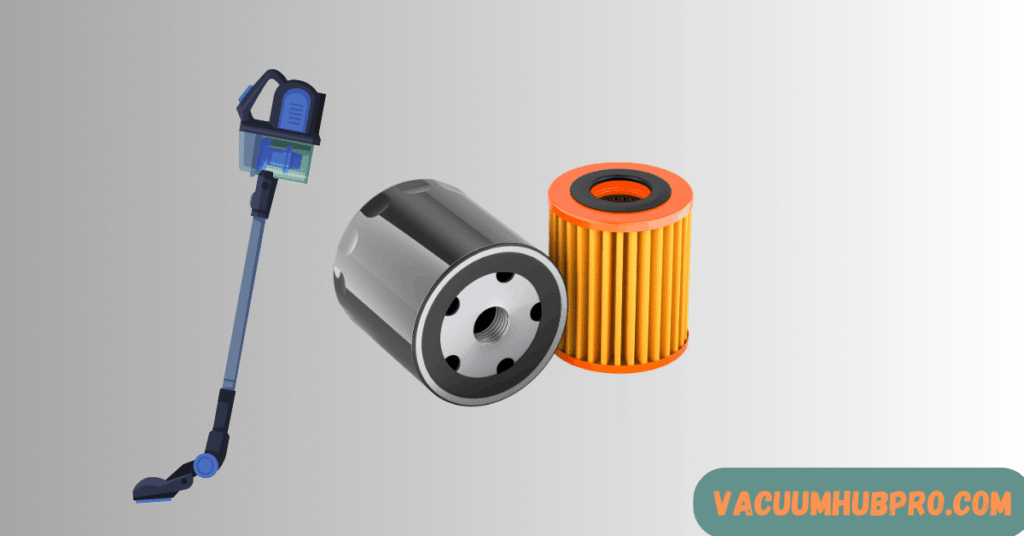
Even slightly dirty filters restrict airflow. When airflow drops, the motor compensates by increasing power.
What I did:
- Removed foam and HEPA filters
- Rinsed with cold water
- Let them dry for 24 hours
After reinstalling, the suction normalized.
Check the Brush Roll for Resistance
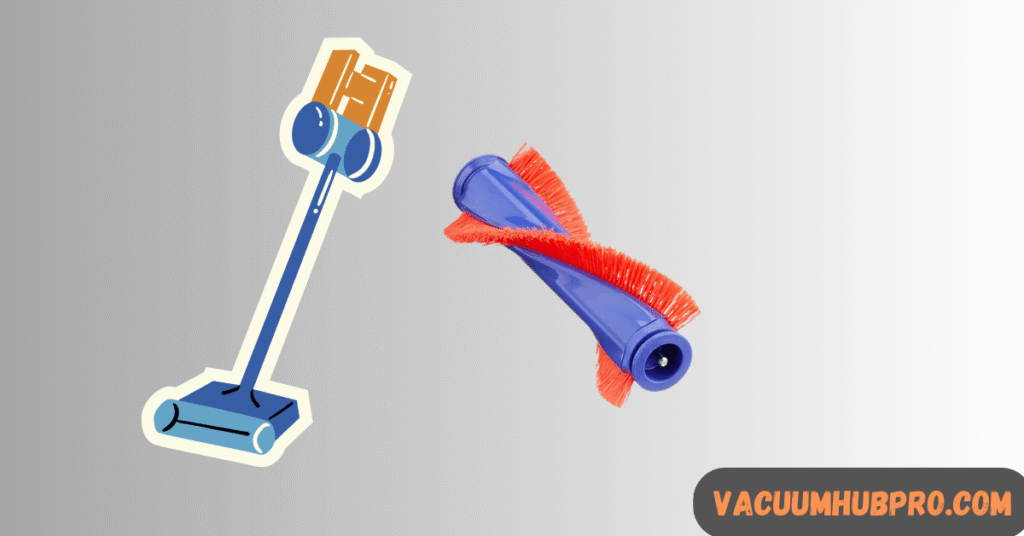
Hair wrapped tightly around the ends of the brush roll increases motor load.
Fix:
- Remove brush roll
- Cut away hair and debris
- Spin it manually to confirm smooth movement
This alone solved the issue in my case.
Clean Dust Sensors (For Auto Mode Models)
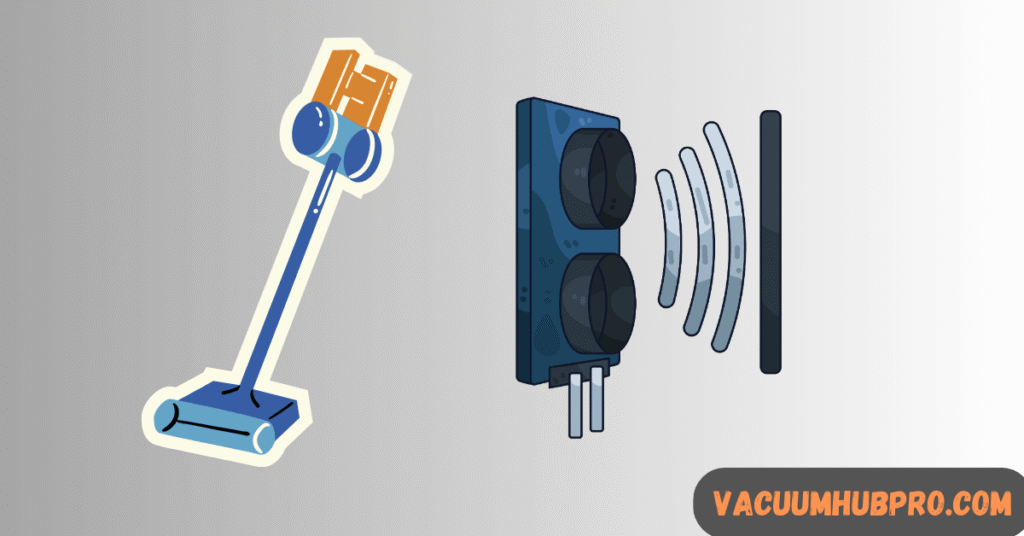
If your vacuum has automatic suction adjustment, sensor lenses may be dirty.
What I did:
- Located the small sensor window
- Wiped gently with microfiber cloth
- Removed fine dust buildup
After cleaning, auto mode worked normally again.
Inspect for Hidden Clogs
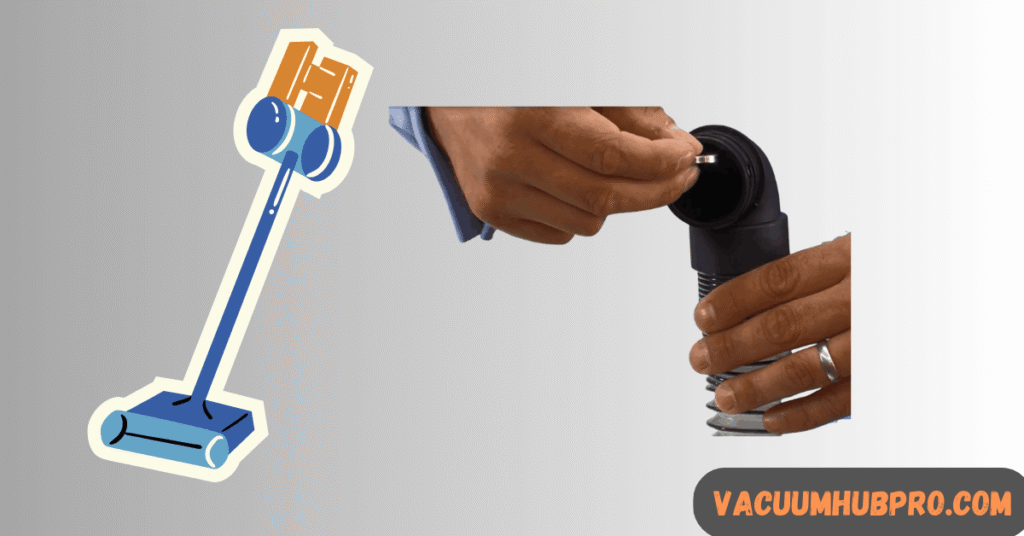
Check:
- Wand tube
- Floor head intake
- Internal airway passages
Even small blockages force constant high suction.
Use a flashlight to inspect fully.
Let It Cool Down
If your vacuum overheats, it may lock into high performance mode briefly before shutting off.
Turn off and allow:
- 30–45 minutes cooling
Restart and test again.
Check the Mode Button or Trigger
If cleaning doesn’t fix it:
- The power mode switch may be stuck
- The electronic control board could be faulty
If the button feels loose or unresponsive, repair or replacement may be required.
Signs It’s NOT a Major Motor Problem
- Suction feels strong
- No burning smell
- No unusual grinding noise
- Issue improves after cleaning
Most cases are maintenance-related, not mechanical failure.
Why High Power Mode Drains Battery Fast
High suction:
- Pulls maximum motor amperage
- Generates more heat
- Cuts battery runtime by 50% or more
That’s why fixing this issue quickly prevents battery damage.
Clogged filters, dirty sensors, or brush roll resistance usually cause constant high power mode.
Most models reset by removing the battery and holding the power button for 10 seconds before reinstalling.
Yes. Thermal protection systems can alter performance before shutting down.
Occasionally, yes, but constant high mode can shorten battery lifespan.
Final Verdict From My Experience
When my vacuum was stuck on high power, the problem wasn’t internal damage. It was dirty filters and brush roll resistance.
After cleaning thoroughly, suction control returned to normal immediately.
Before assuming a serious fault, always fix airflow and sensors first.