My Experience With This Problem
I’ve been using a Dyson cordless vacuum for daily cleaning, especially pet hair and fine dust. After about a year, it started shutting off randomly — sometimes after 10 seconds, sometimes after a minute.
At first, I thought the battery was dead.
It wasn’t.
After testing everything step by step, I found that most shutdown issues are caused by airflow restriction or overheating protection — not battery failure.
Here’s exactly what I did to fix it.
Quick Fix
If your Dyson vacuum keeps shutting off, try this:
- Remove and wash both filters
- Check the wand and bin for hidden clogs
- Clean hair from the brush roll ends
- Let the vacuum cool for 30–45 minutes
- Fully recharge the battery
In most cases, airflow blockage triggers automatic shutdown protection.
Why Dyson Vacuums Shut Off Randomly
Dyson cordless models have built-in safety systems. If the motor detects:
- Blocked airflow
- Overheating
- Battery voltage drop
- Motor strain
It automatically shuts down to prevent damage.
The key is identifying what’s triggering it.
Step-by-Step Fixes That Worked for Me
Clean the Filters (Most Common Cause)
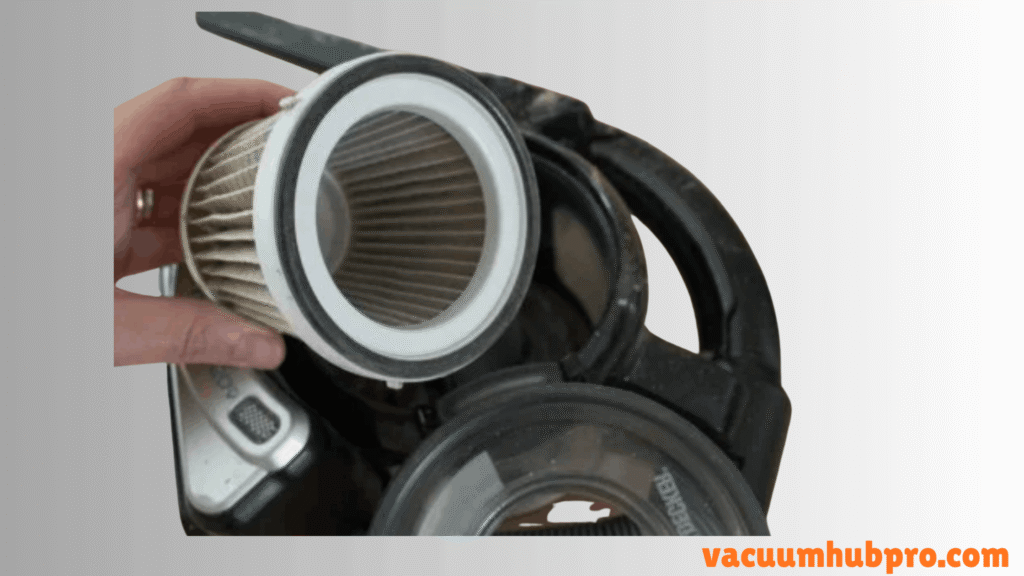
Dyson filters trap very fine dust. Even if they look clean, airflow may still be restricted.
Here’s what I did:
- Removed both filters
- Rinsed under cold water (no soap)
- Let them air-dry for 24 hours
Important: Reinstall only when completely dry.
After doing this, my vacuum ran much longer without shutting off.
Check for Hidden Clogs
Even small blockages can cause motor overload.
I checked:
- Inside the wand
- Behind the cyclone inlet
- Floor head airway
Tip: Shine a flashlight through the tube to see hidden debris.
Once cleared, the shutdown problem reduced significantly.
Remove Hair From Brush Roll Bearings
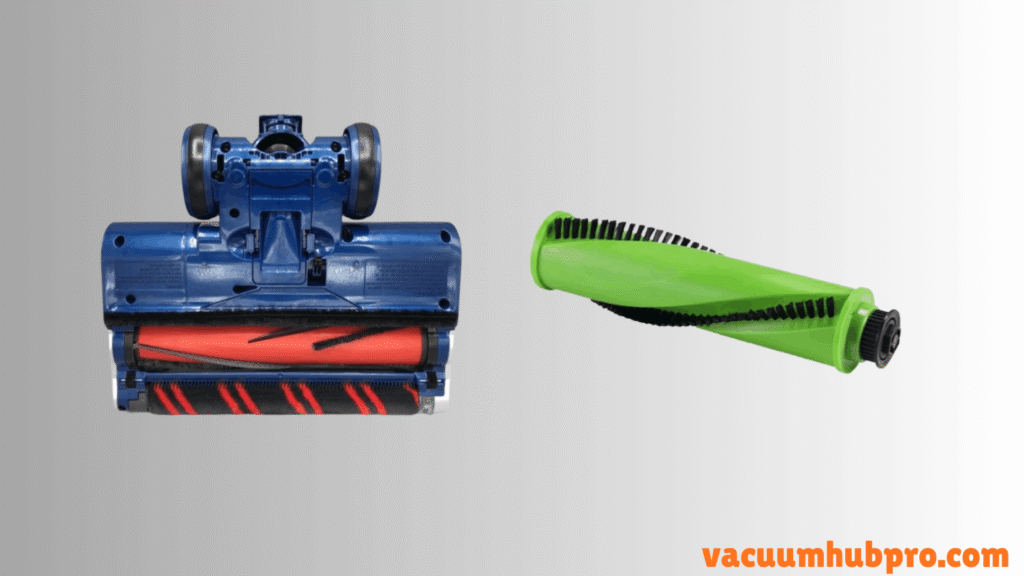
Hair wrapped around the ends of the brush roll creates resistance. That resistance makes the motor work harder.
I removed:
- The brush bar
- All wrapped hair from both ends
- Dust buildup near the bearings
After cleaning, the vacuum stopped cutting out mid-clean.
Let It Cool Down
If your Dyson shuts off and won’t restart immediately, overheating is likely.
I turned mine off and let it sit for 40 minutes.
After cooling, it ran normally again.
Overheating usually happens due to airflow restriction.
Check Battery Health
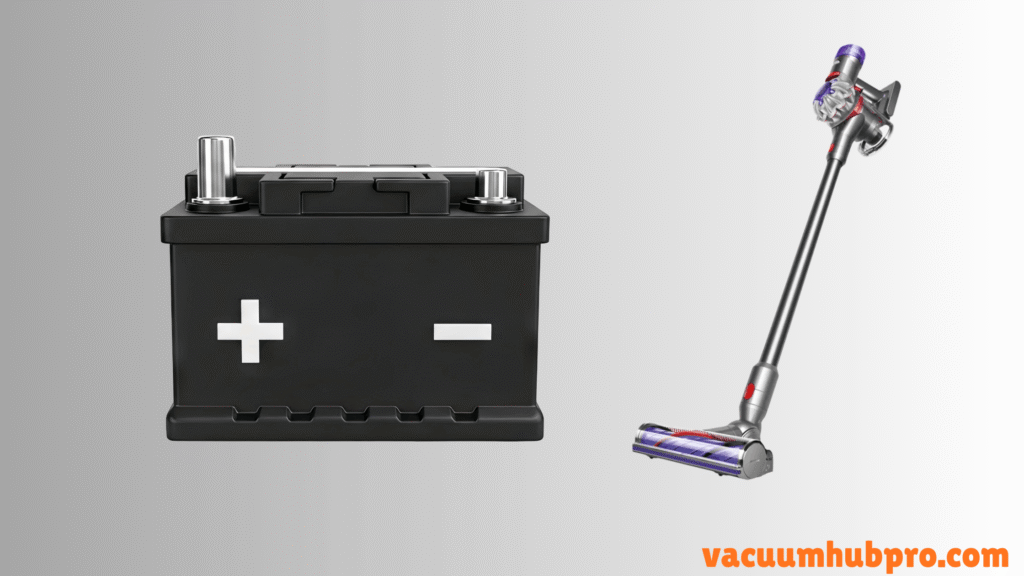
If your vacuum:
- Runs only 5–10 seconds
- Flashes red light
- Is over 2–3 years old
The battery cells may be degraded.
In that case, replacing the battery restores full performance.
How Long a Dyson Cordless Should Run
Typical runtime:
- Eco mode: 30–60 minutes
- Medium: 20–30 minutes
- Boost: 5–10 minutes
If you’re only getting seconds of runtime, something is wrong.
Signs It’s NOT a Battery Problem
- Vacuum runs fine after cooling
- Works better after filter cleaning
- Shuts off only on carpet
- No flashing red battery warning
These usually point to airflow issues.
Frequently asked Questions (FAQs)
Usually due to clogged filters, blocked airflow, or overheating protection activating.
High suction plus resistance can trigger motor overload. Cleaning the brush roll and filters usually fixes it.
Dyson cordless models don’t have a traditional reset button. Cleaning and cooling the unit acts as a reset.
Very short runtime, flashing red lights, and failure to charge properly are signs of battery degradation.
When to Replace Instead of Repair
If:
- Motor sounds inconsistent
- Shutdown happens instantly even after cleaning
- Battery is over 3 years old
Then battery replacement is usually more cost-effective than replacing the entire vacuum.
Final Verdict From My Experience
In my case, the shutdown issue wasn’t a failed battery. It was dirty filters and minor airflow restriction.
Once cleaned properly, the vacuum worked like new.
Before replacing parts, always fix airflow first. That’s the most common cause.