My Experience With Shark Vacuum
I’ve been using a Shark cordless vacuum daily for pet hair and hard floors, and after a few months, I noticed the battery life dropped drastically. What used to last a full cleaning session barely ran for 8–10 minutes. Before replacing anything, I tested, cleaned, and reset every possible cause — and most of the time, the battery itself wasn’t the real problem.
Here’s what actually fixed it.
Quick Fix (what actually worked for me)
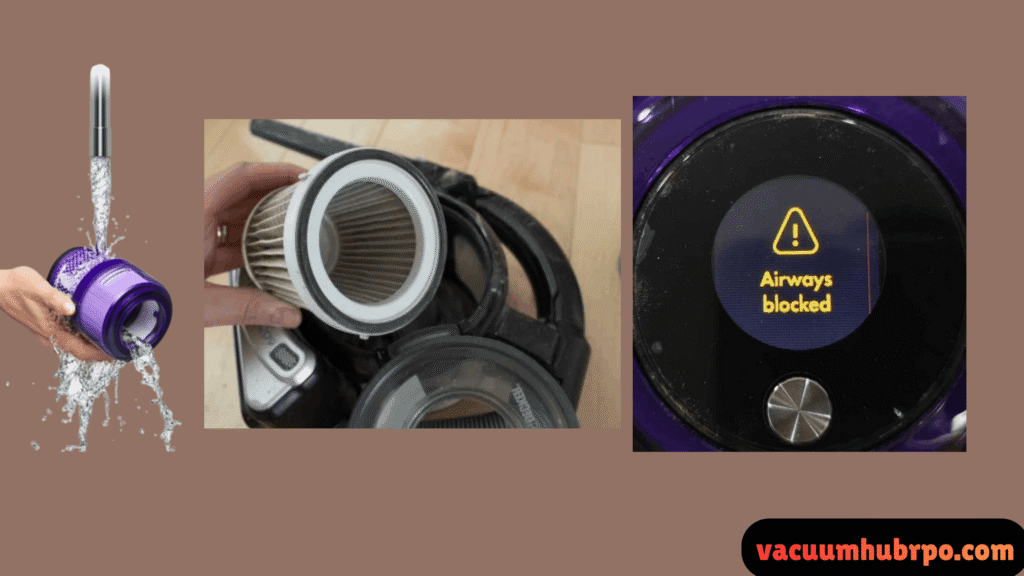
If your Shark vacuum battery drains fast, try this first:
- Remove the battery and unplug the charger
- Clean filters and airflow paths thoroughly
- Wipe sensor areas and brush roll bearings
- Let the vacuum cool for 30 minutes
- Reinstall the battery and fully recharge
In most cases, airflow restriction or overheating — not battery failure — causes rapid drain.
Why Shark Vacuum Batteries Drain Fast
From my testing, Shark cordless vacuums drain battery quickly due to power demand, not weak batteries. The most common causes are:
- Clogged filters or airflow
- Dirty brush roll bearings
- Constant high-power mode
- Overheating protection activating
- Aging lithium-ion battery cells
When airflow drops, the motor pulls more power — draining the battery faster than normal.
Step-by-Step Fixes That Worked For Me
Clean the Filters (Biggest Fix)
Shark vacuums rely on unrestricted airflow. Even slightly dirty filters cause major battery drain.
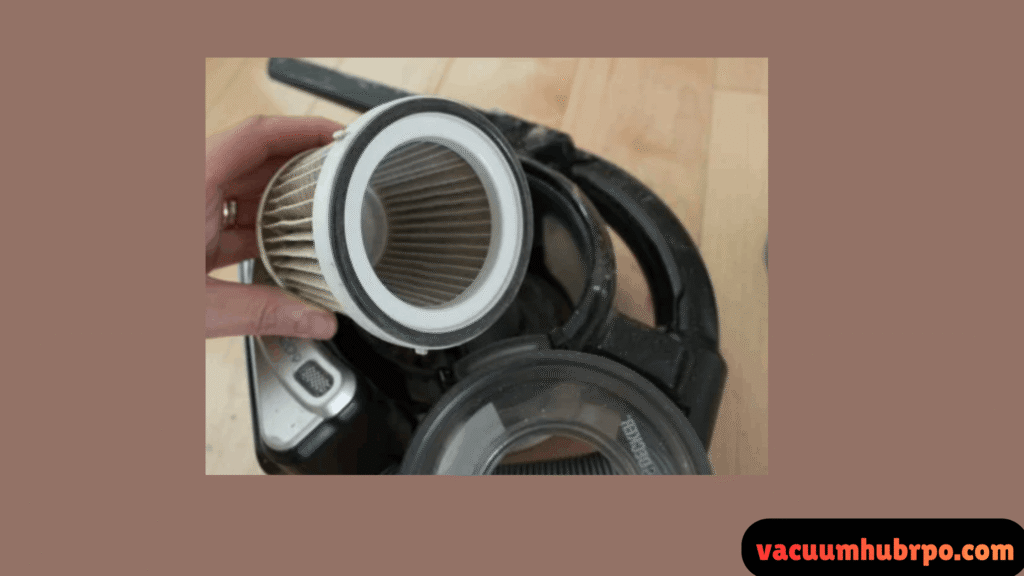
What I did:
- Removed foam and HEPA filters
- Rinsed with lukewarm water
- Air-dried for 24 hours (no shortcuts)
Result: Battery runtime improved immediately.
Check for Hidden Clogs
Even if the vacuum looks clear, fine debris builds up inside the wand and floor head.
Check:
- Wand tube
- Floor head intake
- Elbows near the motor
Result: Motor stopped straining, battery lasted longer.
Clean Brush Roll Bearings
Hair wrapped around the ends of the brush roll forces the motor to work harder.
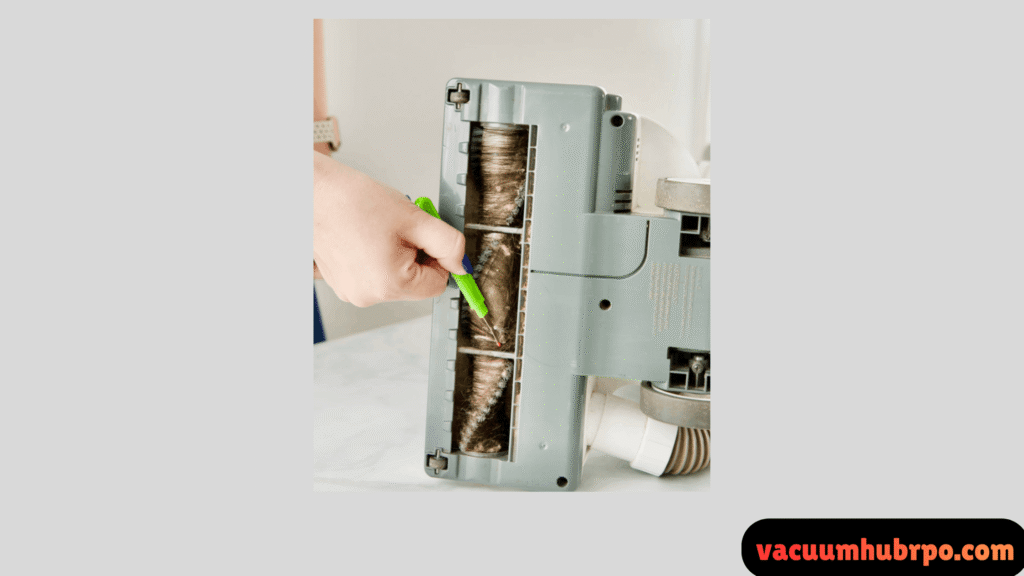
Fix:
- Remove brush roll
- Clear hair from both sides
- Spin bearings by hand to confirm smooth movement
Result: Less resistance = slower battery drain.
Avoid Constant Max Power Mode
I discovered that using high power all the time cuts runtime by more than half.
What works better:
- Use standard mode for daily cleaning
- Save boost mode only for thick carpets
Result: More consistent cleaning sessions.
Let the Vacuum Cool Down
Shark vacuums have thermal protection. When overheated, they drain power rapidly before shutting off.
Fix:
- Turn off immediately
- Let it cool for 30–45 minutes
- Resume cleaning after airflow fixes
Result: No more sudden battery drops.
When the Battery Is Actually the Problem
If your vacuum:
- Runs under 5 minutes
- Drains fast even after cleaning
- Is over 2–3 years old
Then the lithium-ion cells may be degraded.
At that point, a replacement battery restores full performance far better than replacing the entire vacuum.
How Long a Shark Battery Should Last
In normal use:
- Standard mode: 30–45 minutes
- High power: 10–15 minutes
If you’re getting far less, something is wrong — and it’s usually fixable.
Frequently asked Questions (FAQs)
Dirty filters, clogs, overheating, and high suction mode are the most common reasons. These force the motor to draw extra power.
You can’t revive worn lithium cells, but cleaning airflow and resetting the vacuum often restores normal runtime.
Most Shark batteries last 2–3 years depending on usage and charging habits.
Yes. Shark chargers stop charging automatically, but unplugging after full charge helps long-term battery health.
Final Verdict
In my case, battery drain wasn’t a battery failure — it was airflow restriction and power overload. After cleaning and adjusting usage, runtime improved enough that I didn’t need a replacement right away.
If your Shark vacuum battery drains fast, fix the cause before replacing parts. It saves money and restores performance.